Capture the beginning
Take or import the first frame. An alignment guide helps you return to the exact same view.
Before. After. Beautifully told.
Capture the same angle, track progress over time, and generate polished before-and-after stories—right on your phone.
 Animatic MavenPhotos. Progress. Revealed.
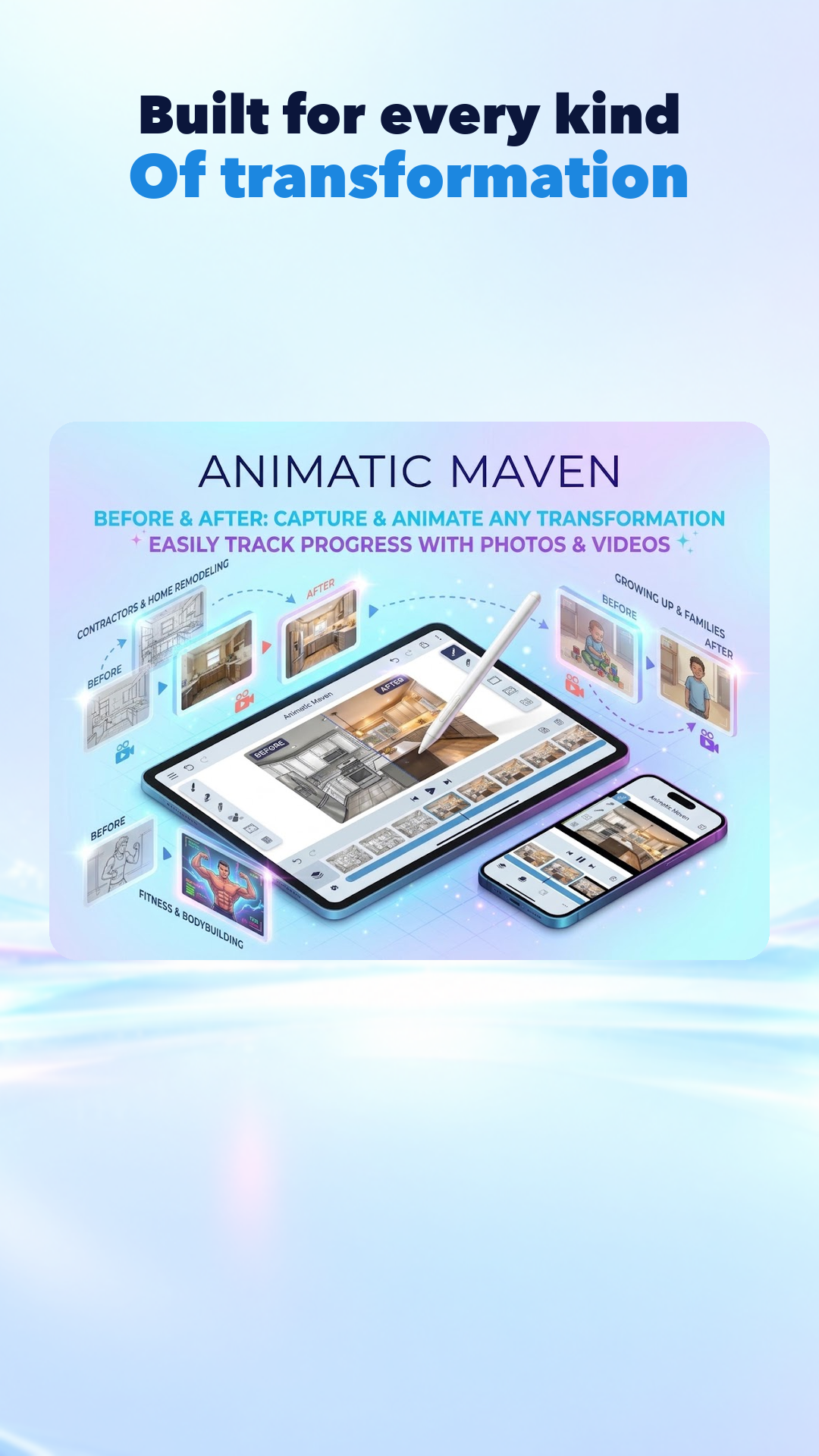
Made for transformations of every kind
See the real app
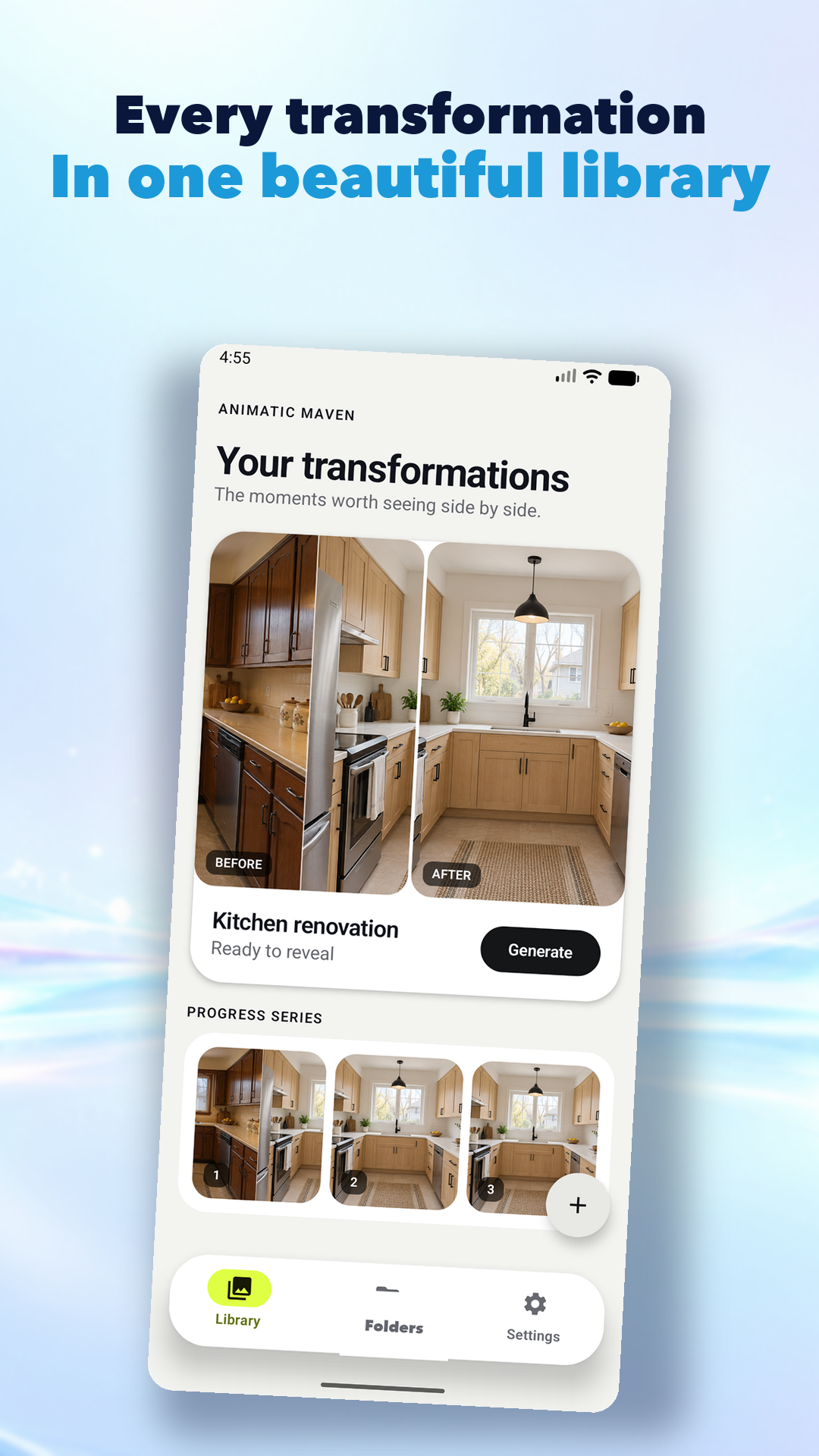
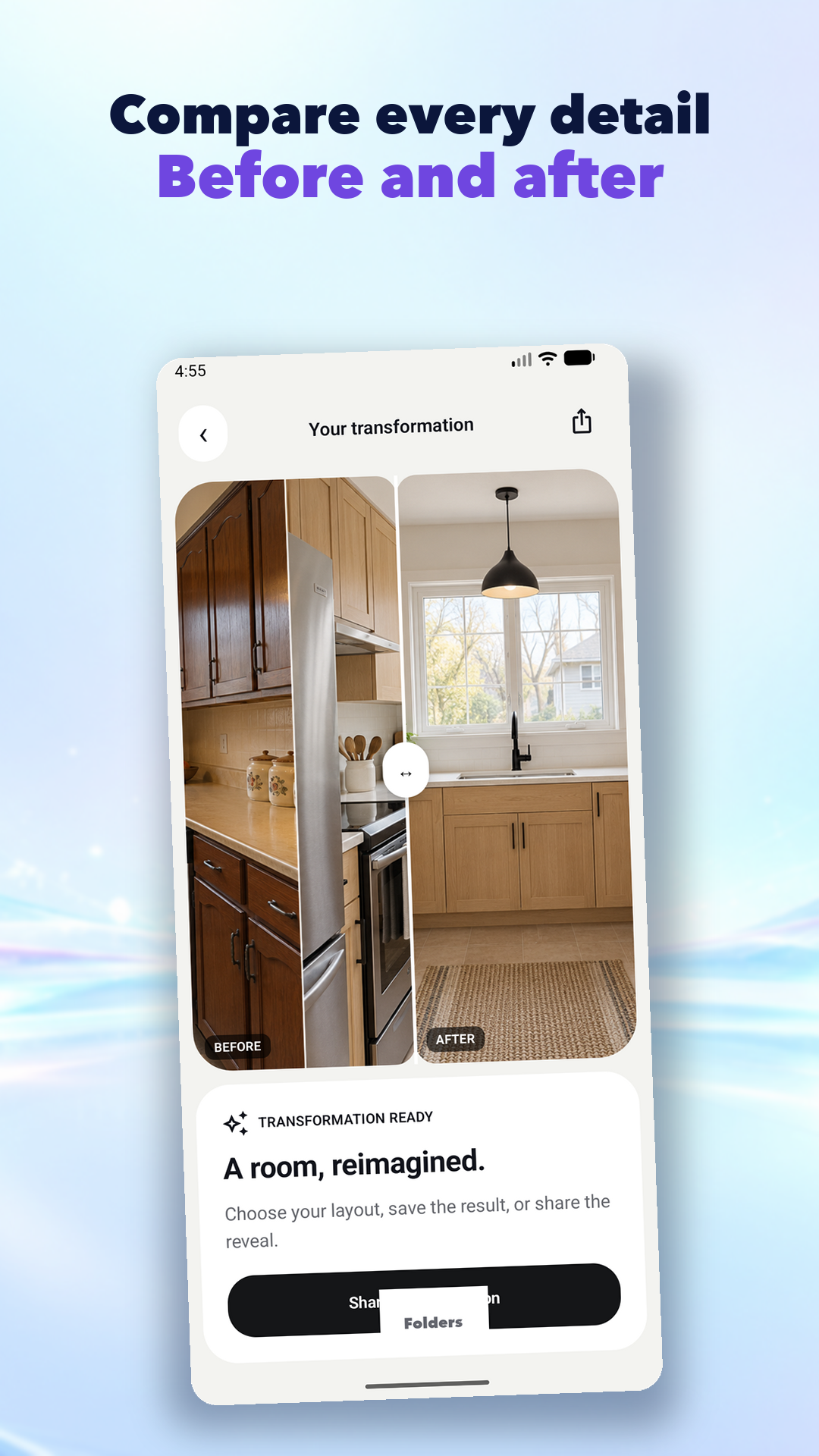
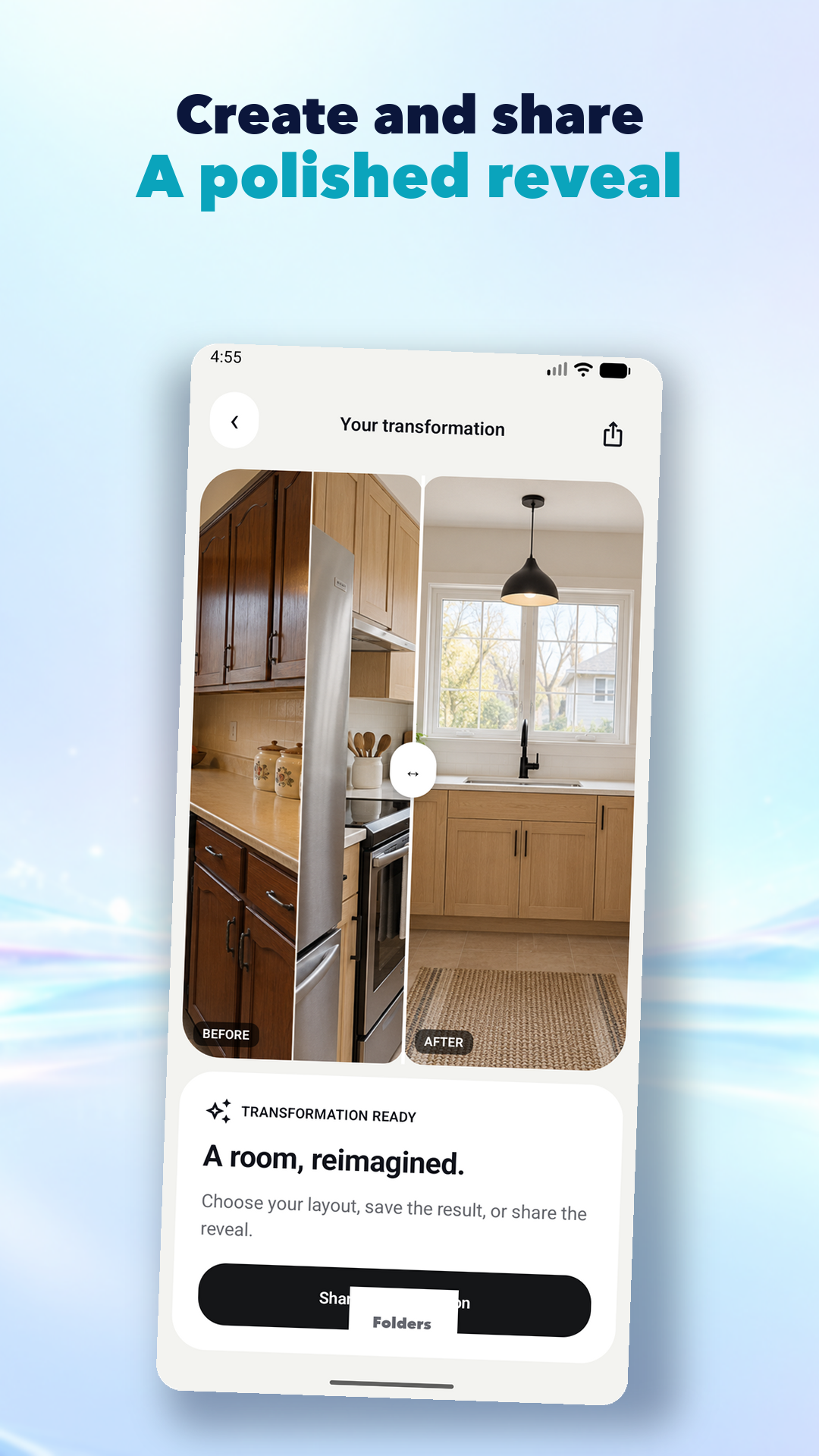
These are the current Animatic Maven screens—not placeholder mockups.
Simple by design
Animatic Maven keeps your angle consistent and your process effortless, so the change takes center stage.
Take or import the first frame. An alignment guide helps you return to the exact same view.
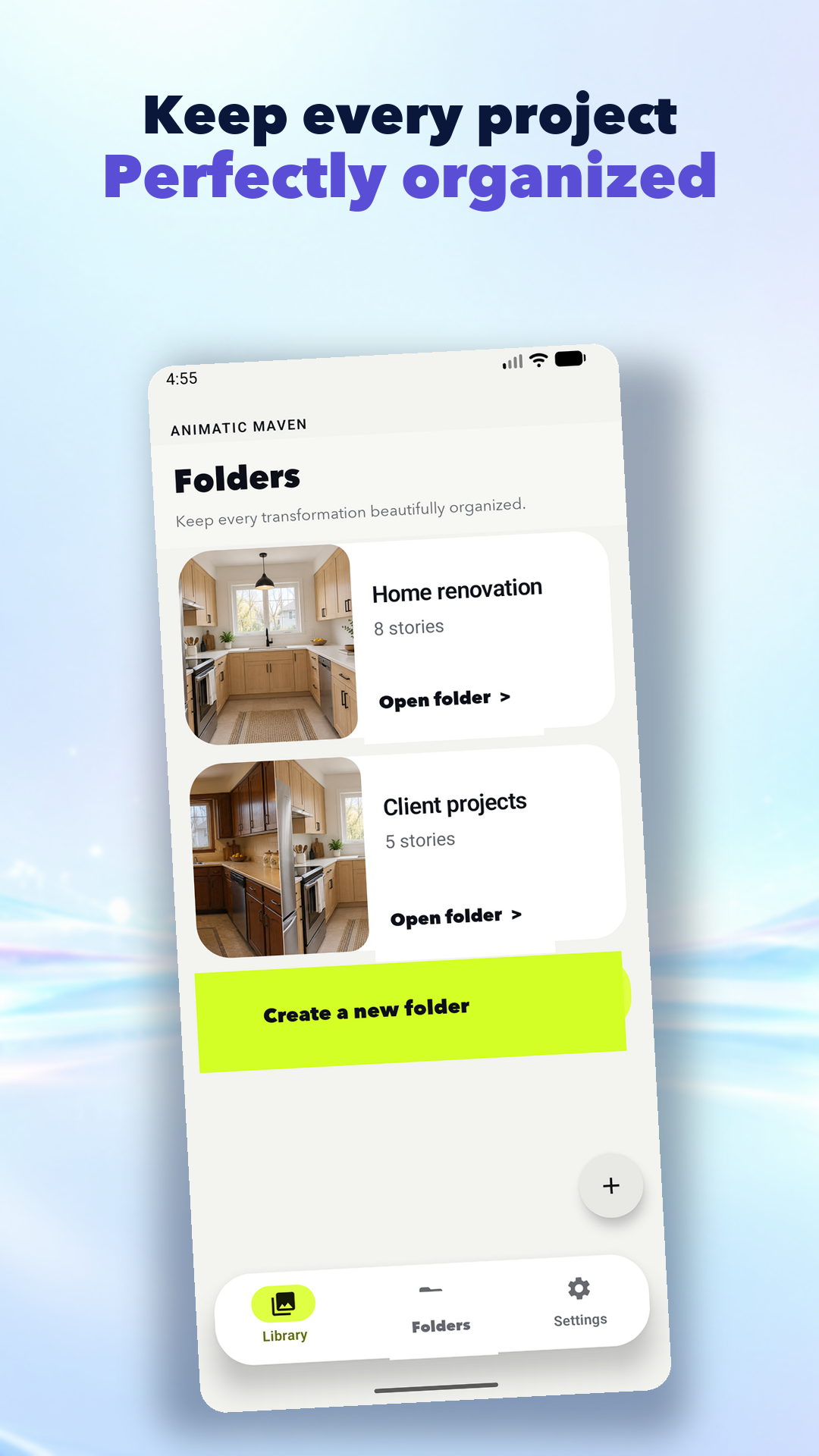
Add photos or video as the work unfolds. Keep every milestone organized in a series or folder.
Choose a layout, refine your transformation, then save or share a polished story from your phone.
Built for the whole journey
Flexible tools for one dramatic reveal or a transformation that takes months.
Good to know
Create before-and-after comparisons, photo or mixed-media progress series, timelapses, combined videos, and polished transformations ready to save or share.
Yes. A series can contain photos, videos, or a mix of both, and transformations can combine that media into one video.
Use the previous image as a ghost overlay while capturing the next one so framing, scale, and angle stay consistent.
Yes. Use folders for renovations, clients, fitness goals, restorations, or any other collection, and browse them directly from the Library.
The app asks twice before permanently deleting the folder, its media, generated transformations, metadata, and associated cloud files.
Yes. Open a series to view larger items vertically, then remove an item, update its details, or replace it with new media.
Yes. Add non-destructive arrows, circles, rectangles, freehand marks, and text while keeping the original file intact.
Yes. Media can include notes, tags, phase, cost, measurements, weather, location text, and other useful project metadata.
Yes. Record and play a voice memo alongside a photo or video so context stays with the item.
Use a draggable before-and-after reveal, side-by-side layouts, blink mode, opacity overlays, and difference highlighting.
Yes. Animatic Maven can turn photo-only, video-only, or mixed series into a combined transformation video.
Yes. Videos and generated transformations play inside Animatic Maven without opening another app.
Yes. Share an exported image or video through your device, or create a private read-only web link when that format is available.
Yes. Creating or deleting a transformation requires confirmation so an existing result is not replaced accidentally.
Create one-time or repeating reminders, including weekly, every other week, or a chosen day of each month.
Yes. It is designed for projects that develop over days or months, with the latest capture and Add Media action kept easy to reach.
Yes. Free accounts can add 50 media files, then one additional file per day. A subscription removes that upload limit.
Monthly and annual plans unlock unlimited media uploads while keeping the same organization, creation, playback, and sharing workflow.
No. Animatic Maven has no ads and does not use your content for advertising or cross-app tracking.
Media is kept in app storage and securely synchronized to account-owned cloud paths so each uploader's projects and media types remain separated.
Your next chapter
The transformation comes next.